> For the complete documentation index, see [llms.txt](https://loova.gitbook.io/infinite-canvas/llms.txt). Markdown versions of documentation pages are available by appending `.md` to page URLs; this page is available as [Markdown](https://loova.gitbook.io/infinite-canvas/getting-started/overview.md).
# Create with Infinite Canvas
Create, explore, and iterate with connected text, image, video, and audio nodes.
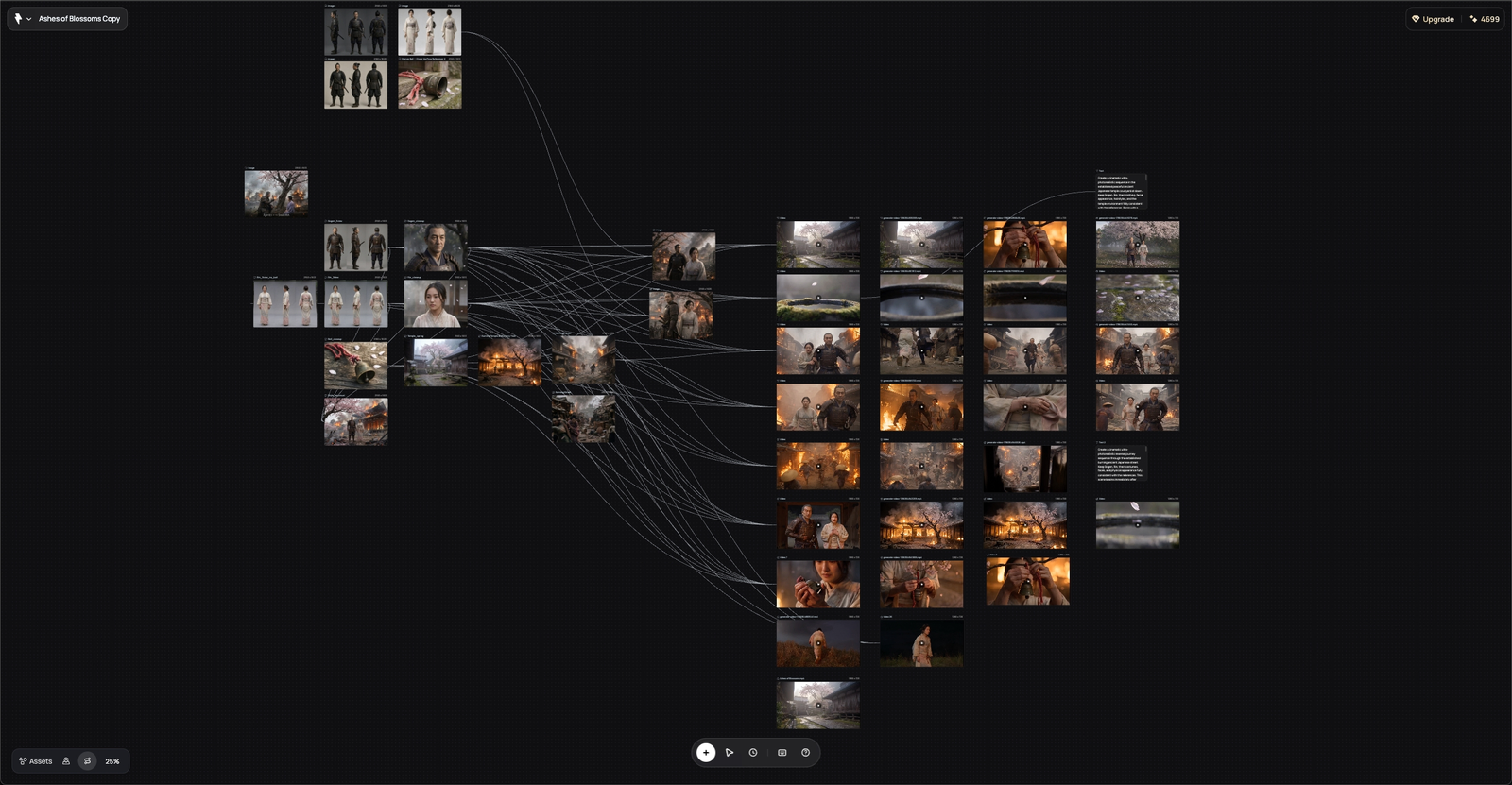
Infinite Canvas turns text, images, videos, and audio into a visible creative process. Start from a blank canvas, learn from a work in **Now Playing on Loova**, connect prompts and references, compare variations side by side, and download the results you want to keep.
## Start here
Create your first AI video Start with an idea or reference, then generate and refine your video.
## How creation flows through the canvas
```mermaid
flowchart LR
A["Ideas and references"] --> B["Images, video, and audio"]
B --> C["Generate and refine"]
C --> D["Reuse and download"]
```
There is no required sequence. Generate directly from the references you already have, add storyboard or keyframe images when you need tighter control, and save useful Assets or Subjects when you want to reuse them.
Every result stays close to the prompt and references that produced it, making the process easier to understand, compare, and continue.