> For the complete documentation index, see [llms.txt](https://loova.gitbook.io/infinite-canvas/llms.txt). Markdown versions of documentation pages are available by appending `.md` to page URLs; this page is available as [Markdown](https://loova.gitbook.io/infinite-canvas/create-on-the-canvas/get-to-know-the-canvas.md).
# Get to Know the Canvas
Understand node types, add media, and move confidently around Infinite Canvas.
## The four node types
| Node | Use it when you want to… |
| --------- | ----------------------------------------------------- |
| **Text** | Write a brief, prompt, note, or LLM-generated text |
| **Image** | Upload, generate, compare, or reuse a still image |
| **Video** | Upload, generate, edit, extend, or reuse a video clip |
| **Audio** | Upload, generate, play, or reuse music and audio |
## Add a node or media file
Choose whichever method feels fastest:
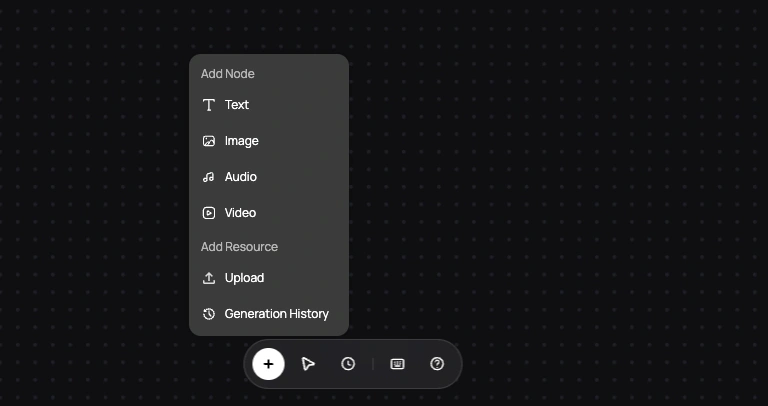
* Select **+** and choose Text, Image, Audio, or Video.
* Right-click an empty area and choose a node type.
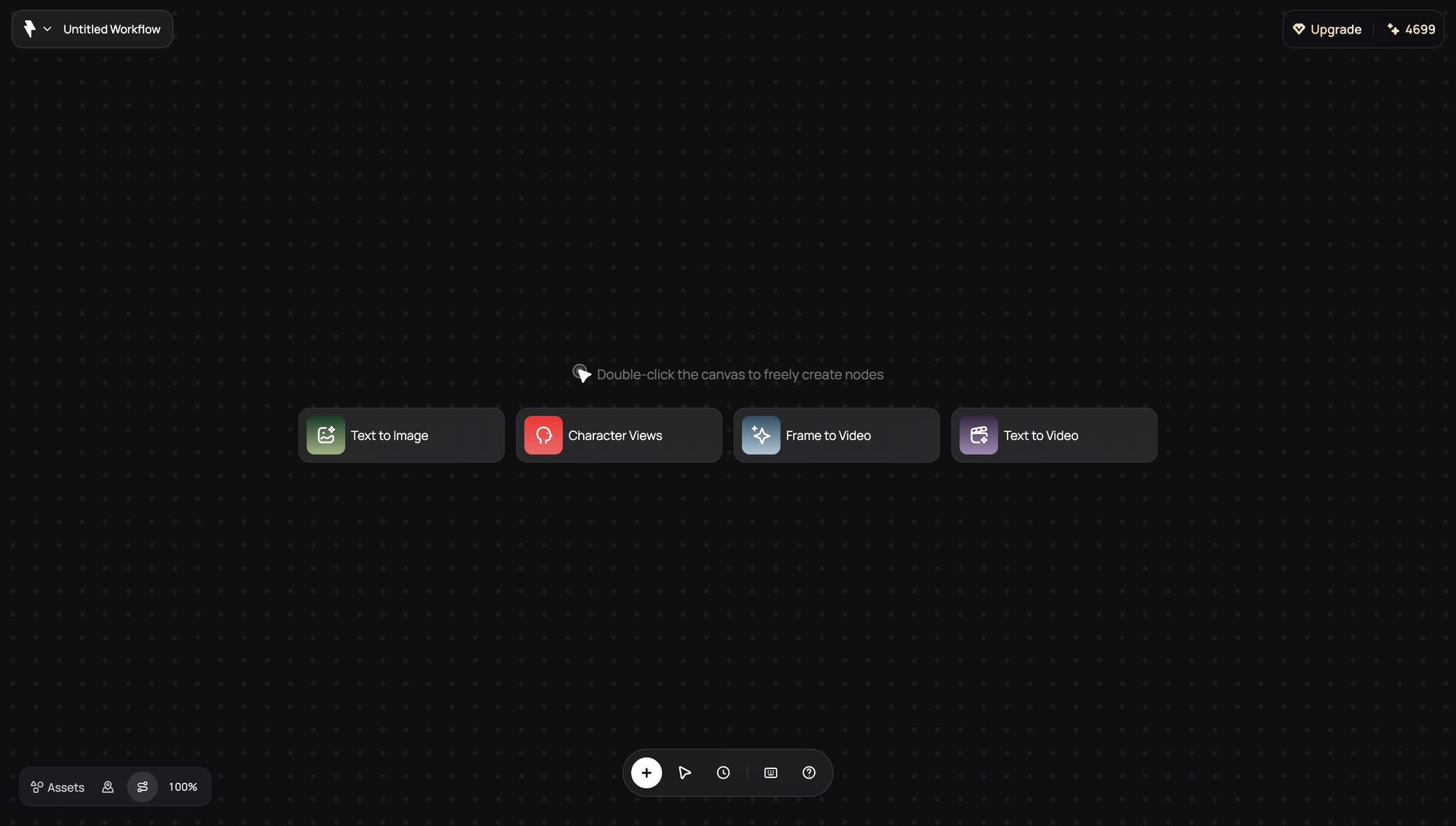
* Double-click an empty area to start creating.
* Choose **Upload** to add image, video, or audio.
* Drag supported media onto the canvas.
* Paste supported media from the clipboard.
* Open **Generation History** and choose **Use** on an earlier result.
Current upload options include common image formats such as JPG, JPEG, PNG, and WebP; video formats such as MP4, MOV, and WebM; and audio formats such as MP3, WAV, M4A, AAC, OGG, and FLAC.
## Move around the canvas
* Drag a node to move it.
* Hold **Space** and drag, use the middle mouse button, or press **H** for the Hand tool to pan.
* Use **+** and **−** to zoom.
* Press **0** to fit the project in view.
* Open the Minimap when the project grows beyond one screen.