> For the complete documentation index, see [llms.txt](https://loova.gitbook.io/infinite-canvas/llms.txt). Markdown versions of documentation pages are available by appending `.md` to page URLs; this page is available as [Markdown](https://loova.gitbook.io/infinite-canvas/getting-started/create-your-first-ai-video-project.md).
# Create Your First AI Video
Explore a flexible way to develop AI video ideas with prompts, media, references, and reusable assets.
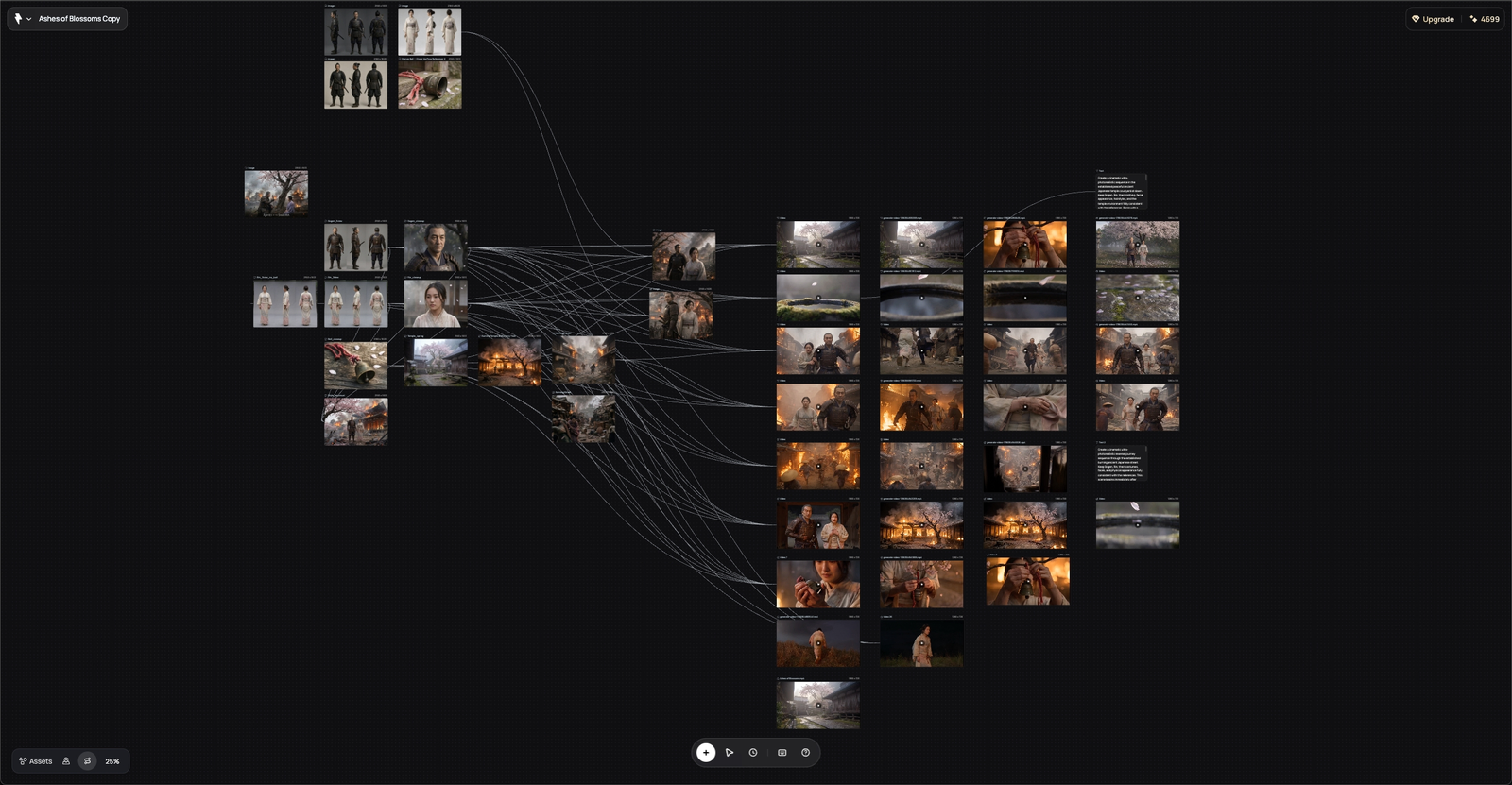
There is no single correct way to create on Infinite Canvas. Begin with an idea, a visual reference, existing media, or a project made by another creator. Add only the steps that help you reach the next useful result.
{% hint style="info" %}
Treat this page as a flexible starting pattern, not a required sequence. Skip, repeat, or reorder any part to suit the project.
{% endhint %}
## Start anywhere
Choose the material you already have:
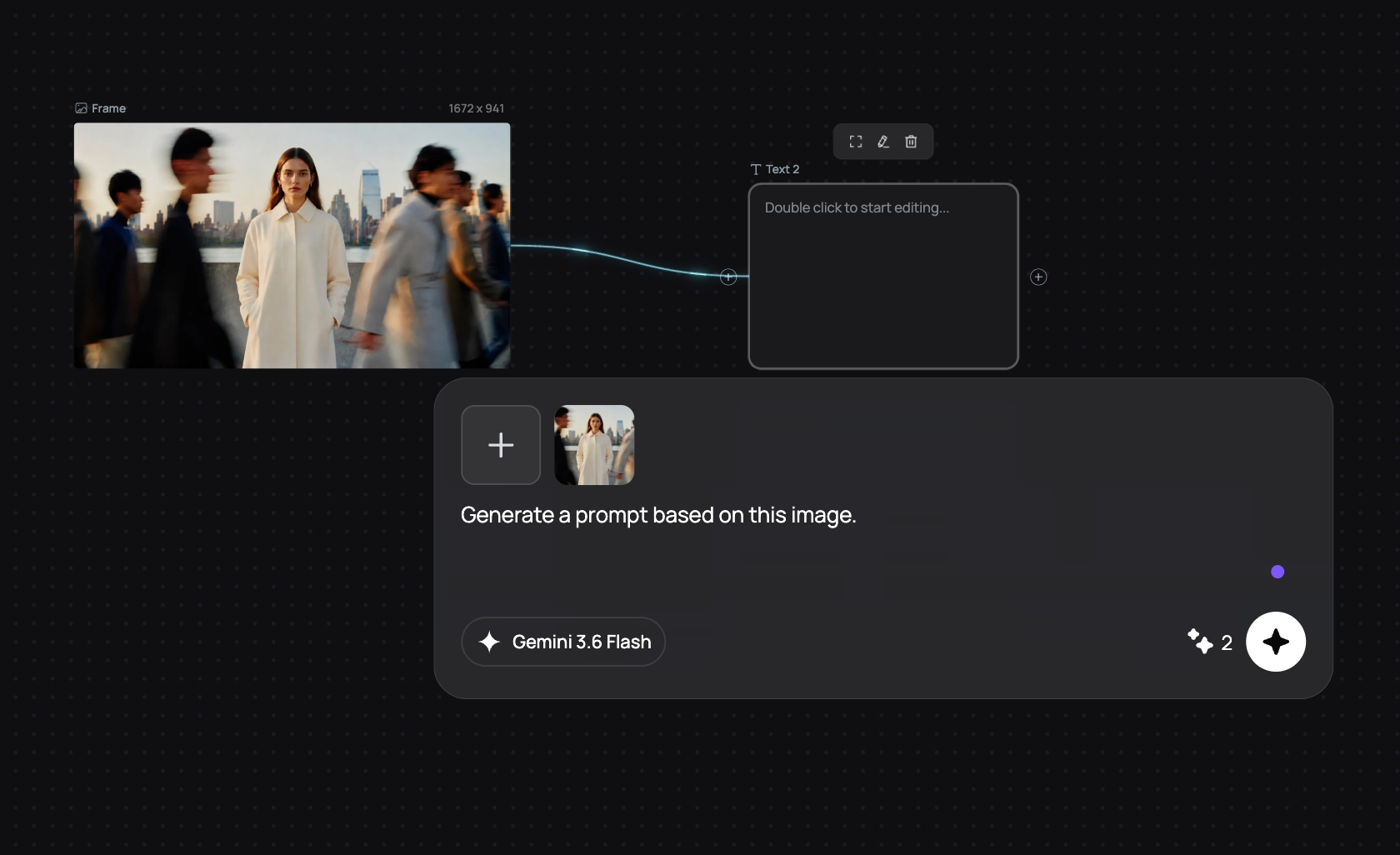
* **An idea or rough notes** — add a Text node and develop them on the canvas.
* **An image or visual direction** — upload it or begin with an Image node.
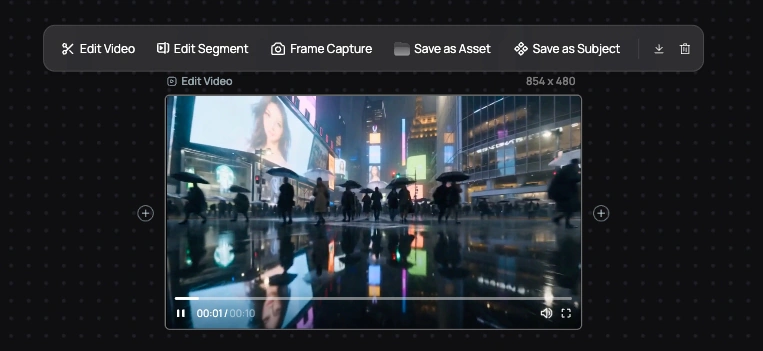
* **Existing footage** — upload it to a Video node, then generate from, edit, extend, trim, or capture frames from it.
* **Music or audio** — upload it or generate music in an Audio node.
* **A process you want to learn from** — open a work in **Now Playing on Loova**, inspect its process, or duplicate the project.
You can also select **New Project** and begin with an empty canvas.
## Build only the context you need
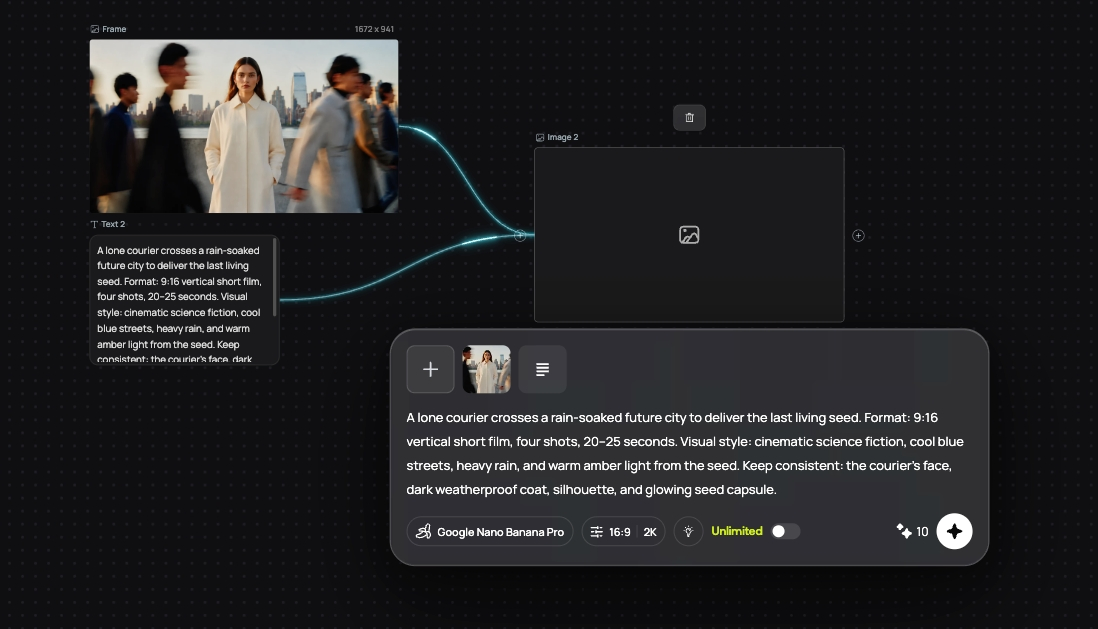
Use Text nodes for concepts, notes, shot ideas, and prompts. Use Image nodes for characters, locations, props, style, or composition. You do not need to prepare every asset before generating video—start with the references that matter most and add more as the project develops.
## Generate, compare, and branch
Add a Video node whenever you are ready to explore motion.
1. Connect the supported Text, Image, Video, or Audio references that are useful.
2. Choose a model and one of the modes it currently supports.
3. Describe the motion, camera behavior, pacing, or change you want.
4. Generate, review, and adjust.
Different shots can use different approaches. You might generate directly from references, animate a First Frame, move between First and Last Frames, edit existing footage, or extend a clip. A storyboard or keyframe is optional.
Keep promising alternatives on the canvas. A result that does not fit the current direction may still become a useful branch or reference.
## Reuse and export what works
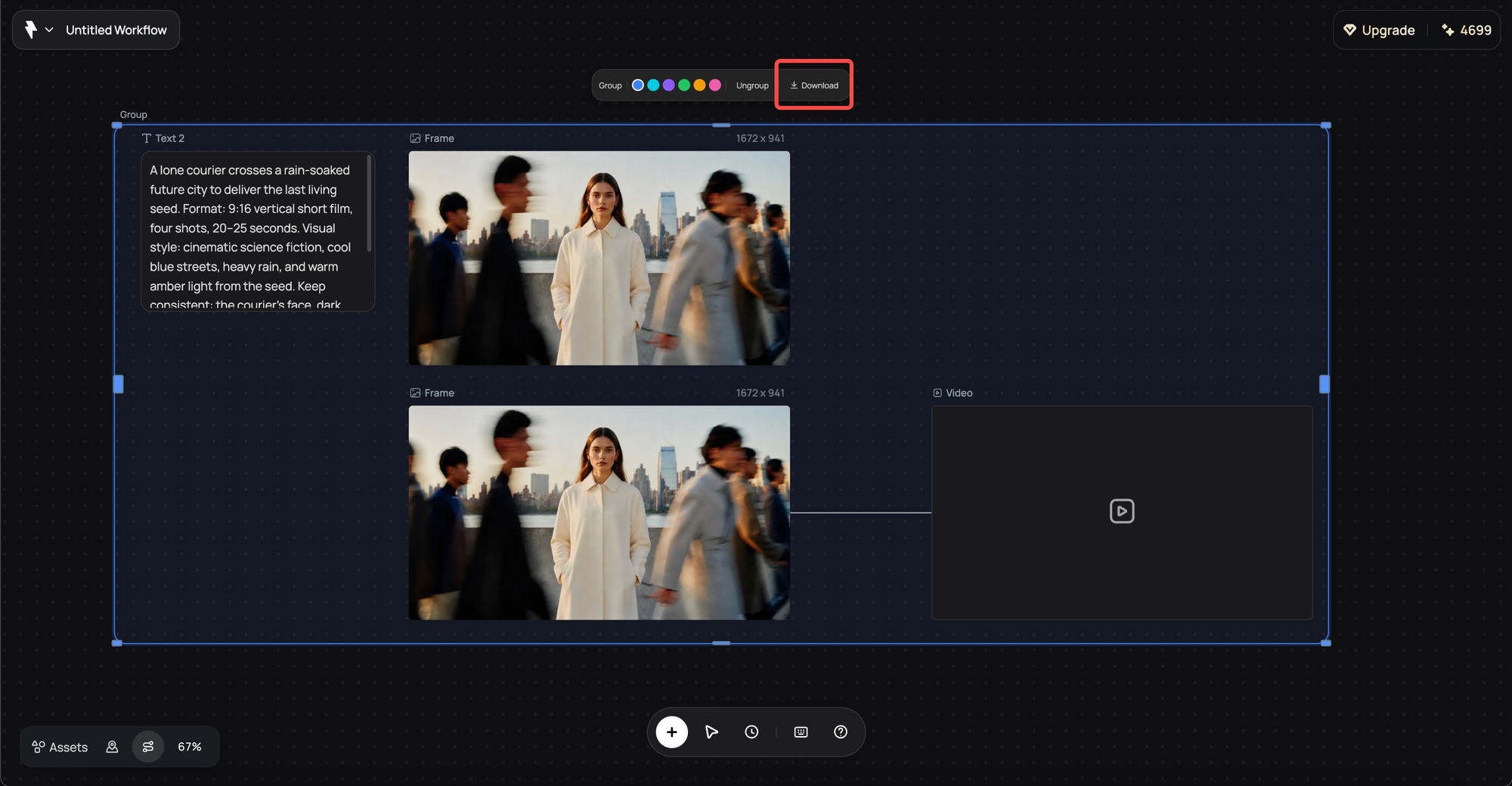
Group related nodes when it helps the project stay readable. Save a useful node as an **Asset**, or save a set of related references as a **Subject**, when you want to use them again.
When you want to keep a result:
* Download an individual Image, Video, or Audio node.
* Download available media from a group.
* Reuse an earlier generation from **Generation History**.